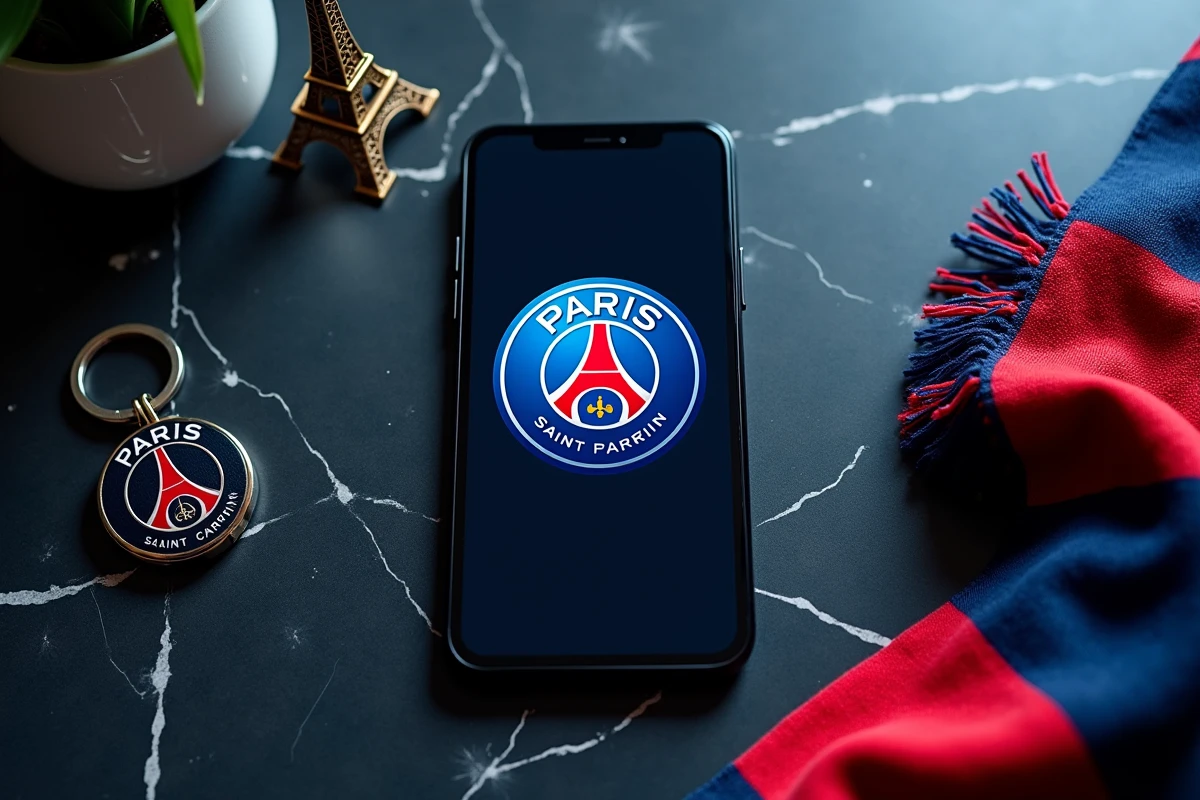
Your home screen still displays Apple’s default wallpaper, but you’ve always supported PSG. Downloading a beautiful image of the club isn’t enough: with the Dynamic Island masking the top of the visual, widgets crushing the details, and dark mode changing the contrasts, a poorly chosen 4K PSG wallpaper can lead to disappointing results. This article explains how to select and configure a visual that is truly suitable for recent iPhones.
Dynamic Island and dead zone: why your PSG wallpaper loses readability
Since the iPhone 14 Pro, the Dynamic Island occupies an oval pill at the top of the lock screen. If you place a vertically centered player portrait, their face or the jersey logo gets partially masked. The problem worsens when a live activity (score, timer) expands the pill.
To avoid this, prioritize visuals where the main subject is located in the lower third or middle of the image. A wide shot of the Parc des Princes, for example, handles the high cut well. A close-up portrait of Dembélé also works, as long as the player’s head stays below the line of the Dynamic Island.
If you’re looking for 4K PSG wallpapers for iPhone already framed for these constraints, some unofficial packs offer visuals with a 19.5:9 ratio and a deliberately clean upper area. This detail makes the difference between a generic wallpaper and a truly usable background.
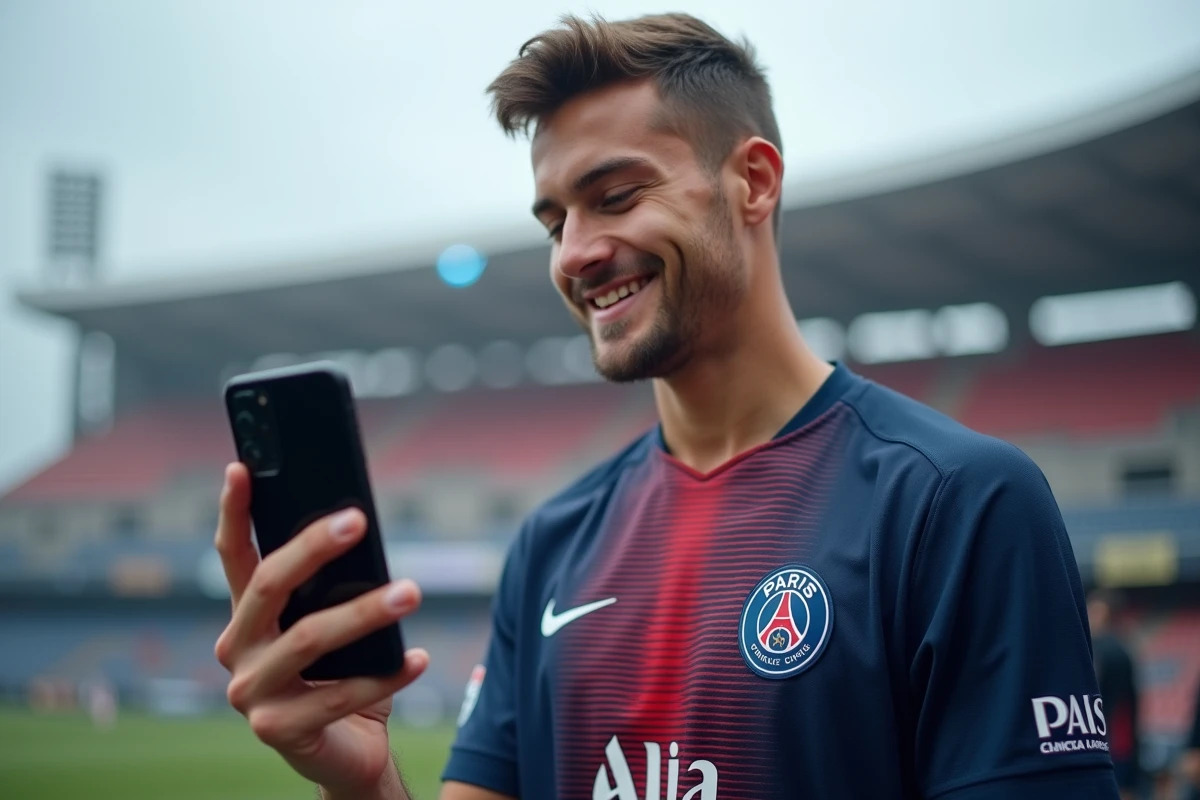
4K PSG wallpaper in duo: lock screen and home screen
Since iOS 16, the iPhone manages two distinct wallpapers: one for the lock screen and one for the home screen. Most sites offer a single image to apply everywhere. The result: your app icons become unreadable if the visual is too busy.
The principle of complementary duo
The most effective approach is to pair two visuals designed together. On the lock screen, a close-up portrait of a player or an atmospheric photo of the Parc des Princes with its illuminated stands works well. The home screen requires a more subdued visual: PSG logo on a dark background, minimalist pattern in the club’s colors, or a subtle blue-red gradient.
This duo logic preserves the readability of your icons and widgets while displaying your passion for the club.
Configuring the duo on iOS
- Press and hold on the lock screen, then tap “Customize.” Choose your PSG visual in portrait for the lock screen.
- On the next screen, iOS offers “Set as wallpaper pair.” Decline and manually select a second subdued visual for the home screen.
- Ensure that your widgets (clock, weather, calendar) remain readable in overlay. If the text disappears into the visual, enable the background blur offered by iOS.
You achieve a coherent result that most users don’t take the time to adjust.
Dark mode and battery life: the choice of wallpaper has a real impact
Have you noticed that the iPhone automatically offers a darkened wallpaper when dark mode is activated? It’s not just aesthetic. On OLED screens, black pixels are turned off, which reduces energy consumption.
A PSG wallpaper with a dark dominant (black third jersey, nighttime stadium ambiance, logo on a black background) takes advantage of this technology. Conversely, a very bright white and red home jersey puts more strain on the display.
What type of PSG visual to choose for dark mode
Visuals of the Parc des Princes during a night match offer a good compromise: the ambiance remains recognizable, dark areas dominate, and spotlights (floodlights, tifos) provide contrast without saturating the display. Avoid white backgrounds or photos taken in broad daylight if you use dark mode permanently.
Since iOS 17, you can also schedule a different wallpaper depending on the time via focus modes. A bright visual during the day, a dark visual in the evening: the switch is automatic.
Animated PSG wallpapers on iPhone: Live Photos and dedicated apps
The recent trend goes beyond static images. “Live” wallpapers of PSG players circulate on social media and some specialized apps. The principle: a short video converted into a Live Photo that the iPhone animates on the lock screen when you press and hold.
Apps like Kling allow you to create or download these animated wallpapers, including sequences of Dembélé or stadium atmospheres. On TikTok, tutorials show how to apply these Live Photos on iOS 16 and later versions.
Limitations to be aware of
- An animated wallpaper consumes slightly more battery than a static image, even if the animation only triggers on touch.
- The quality depends on the source: a compressed video from a social network will lose sharpness on a Retina display. Prefer files downloaded directly from the app.
- On iPhones without Always-On display (non-Pro models), the animated wallpaper is only visible during unlocking, which limits its interest.
A well-chosen animated wallpaper is worth more than ten generic static images. Test with a single visual before collecting more.
The perfect 4K PSG wallpaper for your iPhone is not the one with the most likes on Pinterest. It’s the one whose composition respects the Dynamic Island, whose brightness matches your use of dark mode, and whose lock screen/home screen duo keeps your widgets readable. Take five minutes to correctly configure these settings: your screen will thank you at every unlock.